Fields made for each block, not a form
Give every block the fields its design needs: a focal point for a photo, a grid your client can rearrange, a path to draw, layers with real depth. 42 field types, built from WordPress's own components and defined in one JSON file.
- TypedEach field stores its own type: text, number, image, list
- Your theme's tokensPalette, type sizes and spacing presets
- Editable on the pageText, images and links in place
- ConditionalShow a field only when it applies
- Versioned in Git
block.fields.jsonin your repo - ExtendableRegister your own field types
1 · Everyday fields
Start with the fields you'd expect
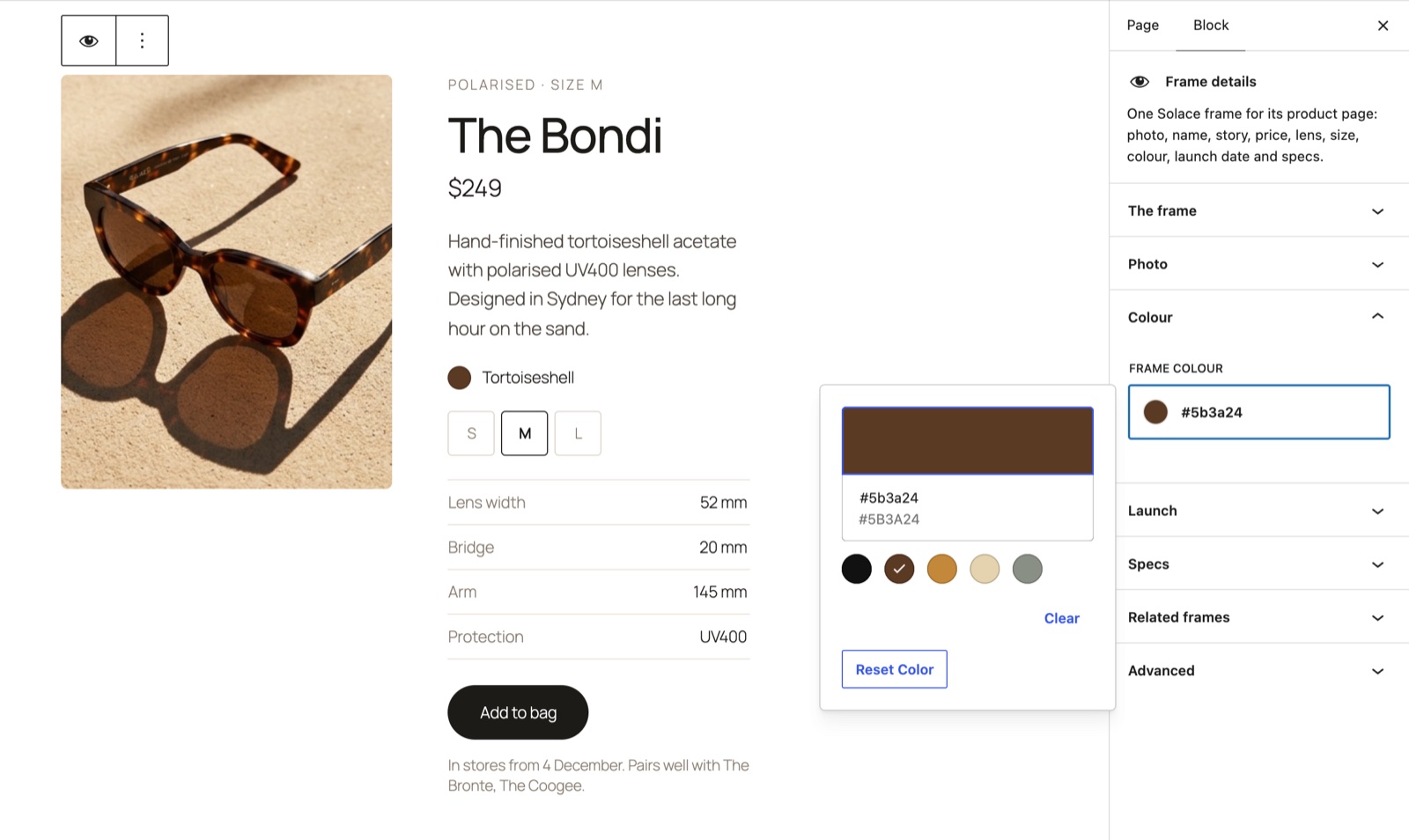
Text, choices, dates, media, colour and content from the site. Each one is a WordPress component your client already knows, with your theme's tokens built in.


Icons, under your control
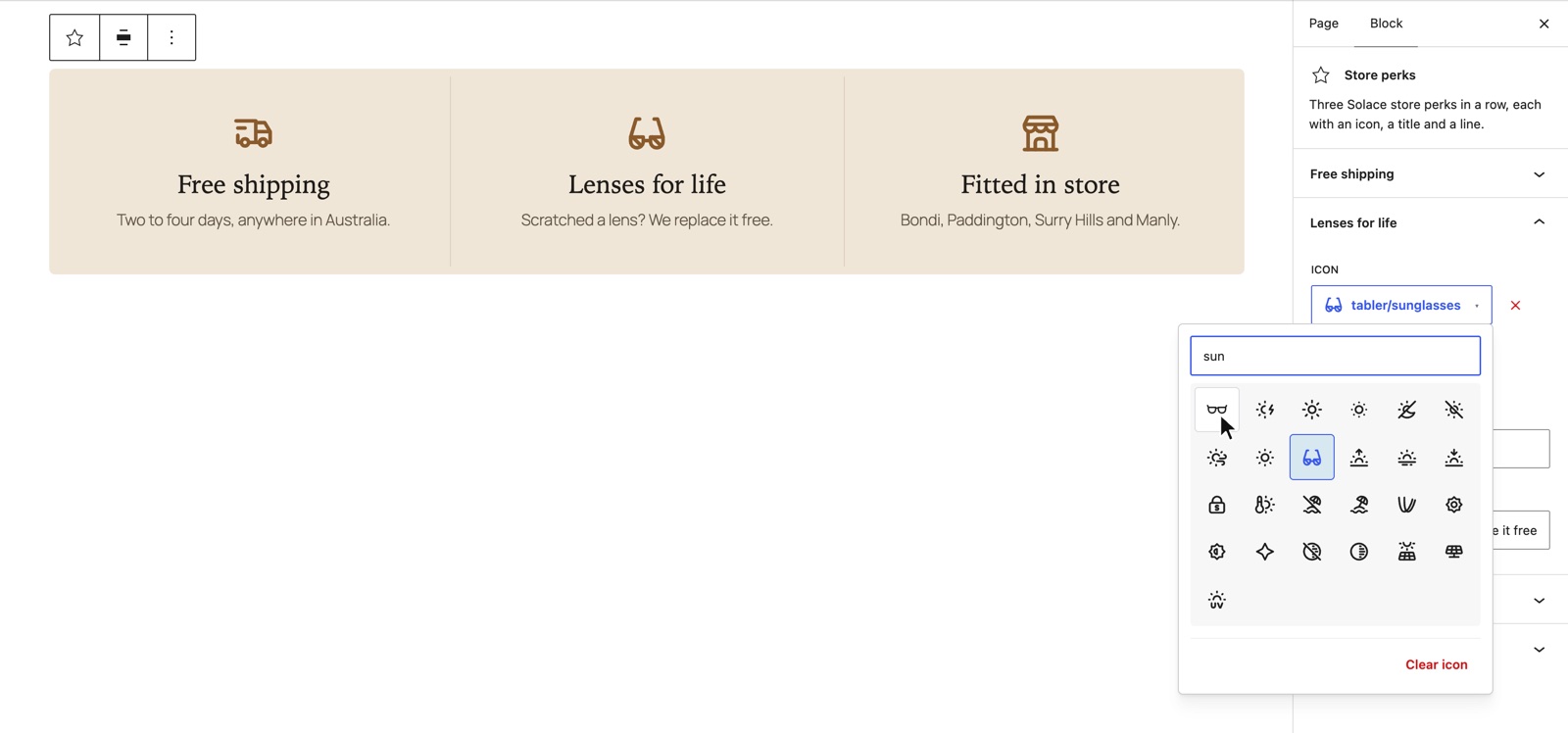
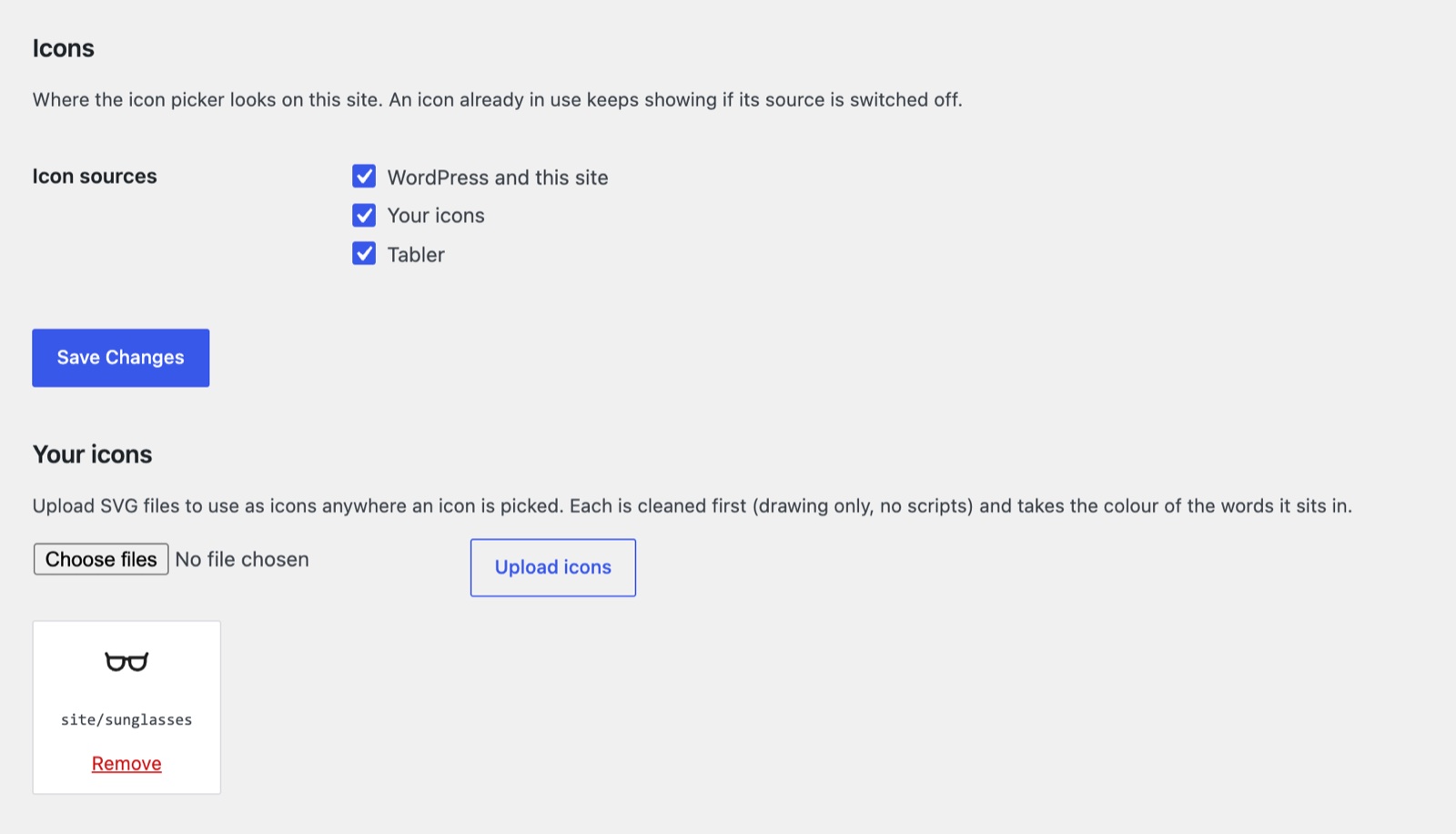
Icons are everywhere on a website, so GCB gives them a proper field. You decide which icons your client can see: switch icon sets on or off for the whole site, or limit a single field to your brand's own icons or a hand-picked list. Your client searches and picks, and only ever sees what your branding allows.
- WordPress's own iconsThe icon registry built into WordPress 7.
- Tabler, 5,000+ iconsOpen source (MIT), searchable from the same picker.
- Your client's own libraryUpload SVGs in Settings and they become the site's icons, cleaned and coloured to match the text.
- Any other setAdd a source with the
gcblite_icon_sourcesfilter.
{
  "id": "c_icon",
  "type": "icon",
  "label": "Perk icon",
  "attributeKey": "icon",
  "namespace": "site"
}
Use namespace to show only one set, such as your uploaded brand icons, or filter to list the exact icons a field allows.
2 · Fields WordPress doesn't have
Then everything WordPress leaves you to build
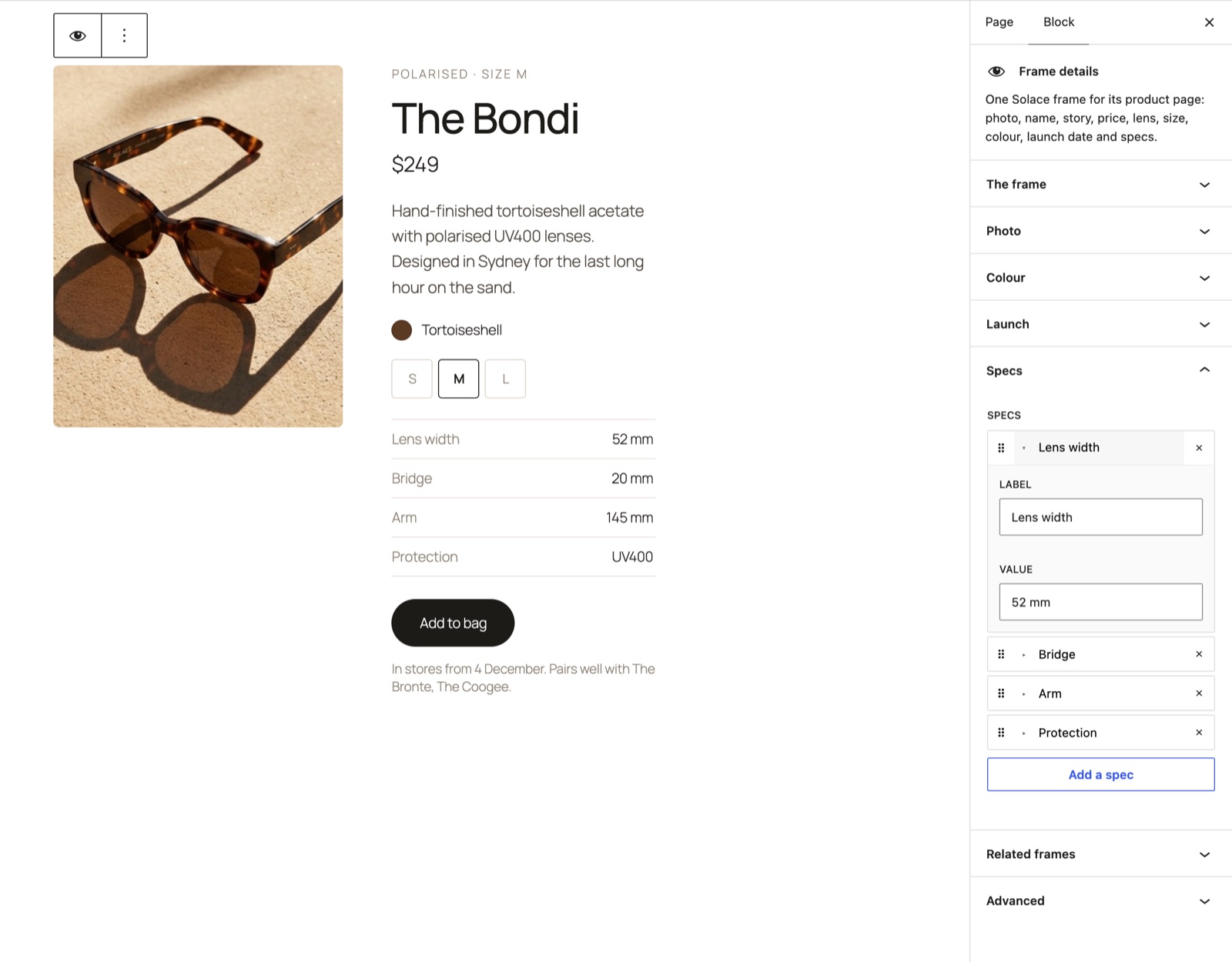
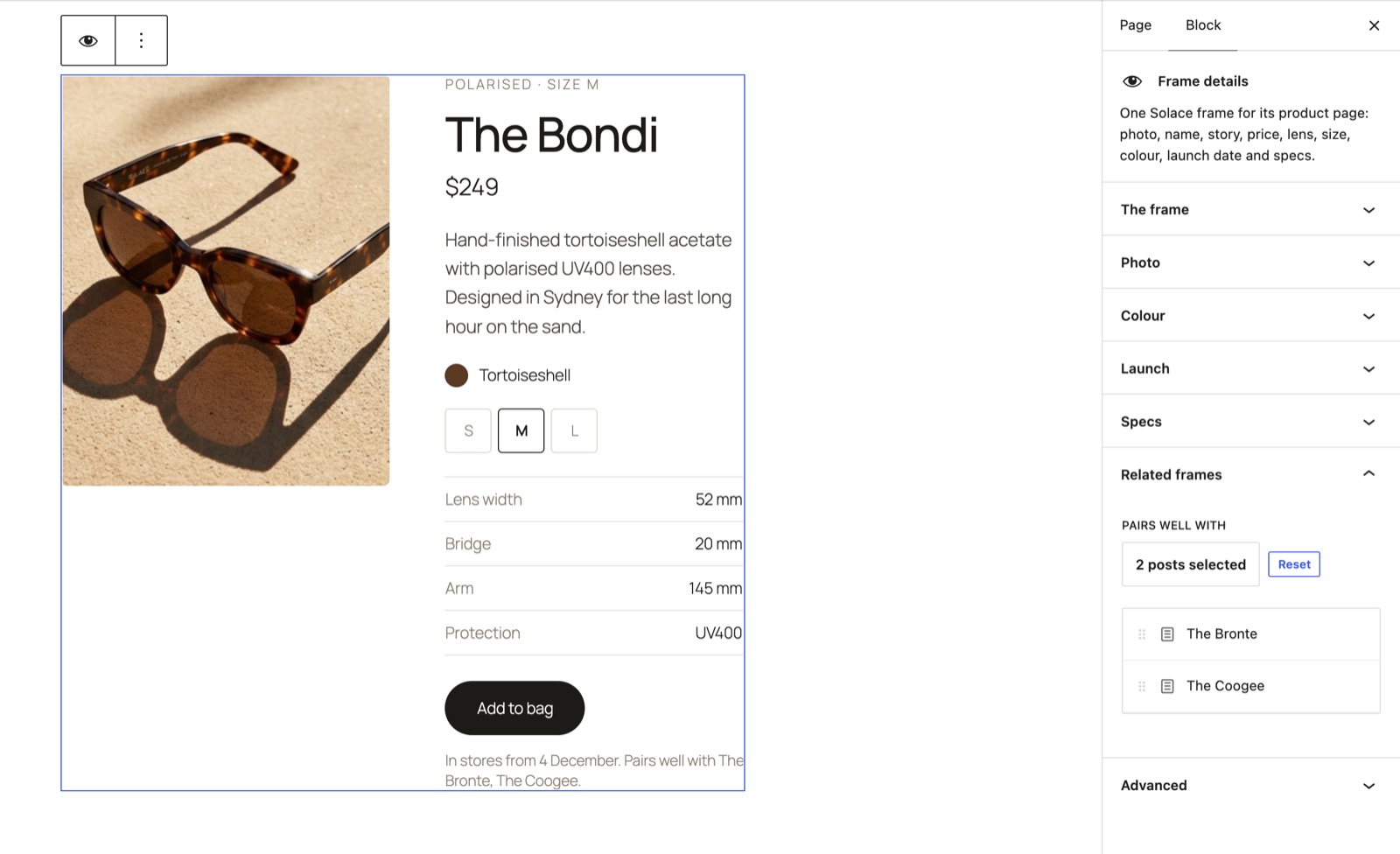
WordPress gives you components, not a field system. GCB has 19 field types you'd otherwise build by hand for every project: repeaters and relationships, galleries with focal points, maps and icons, layouts your client can rearrange, paths to draw and layers with real depth. This is where a block starts to look custom-made.
Content from the site
Media, icons and places
Photos that stay on their subject
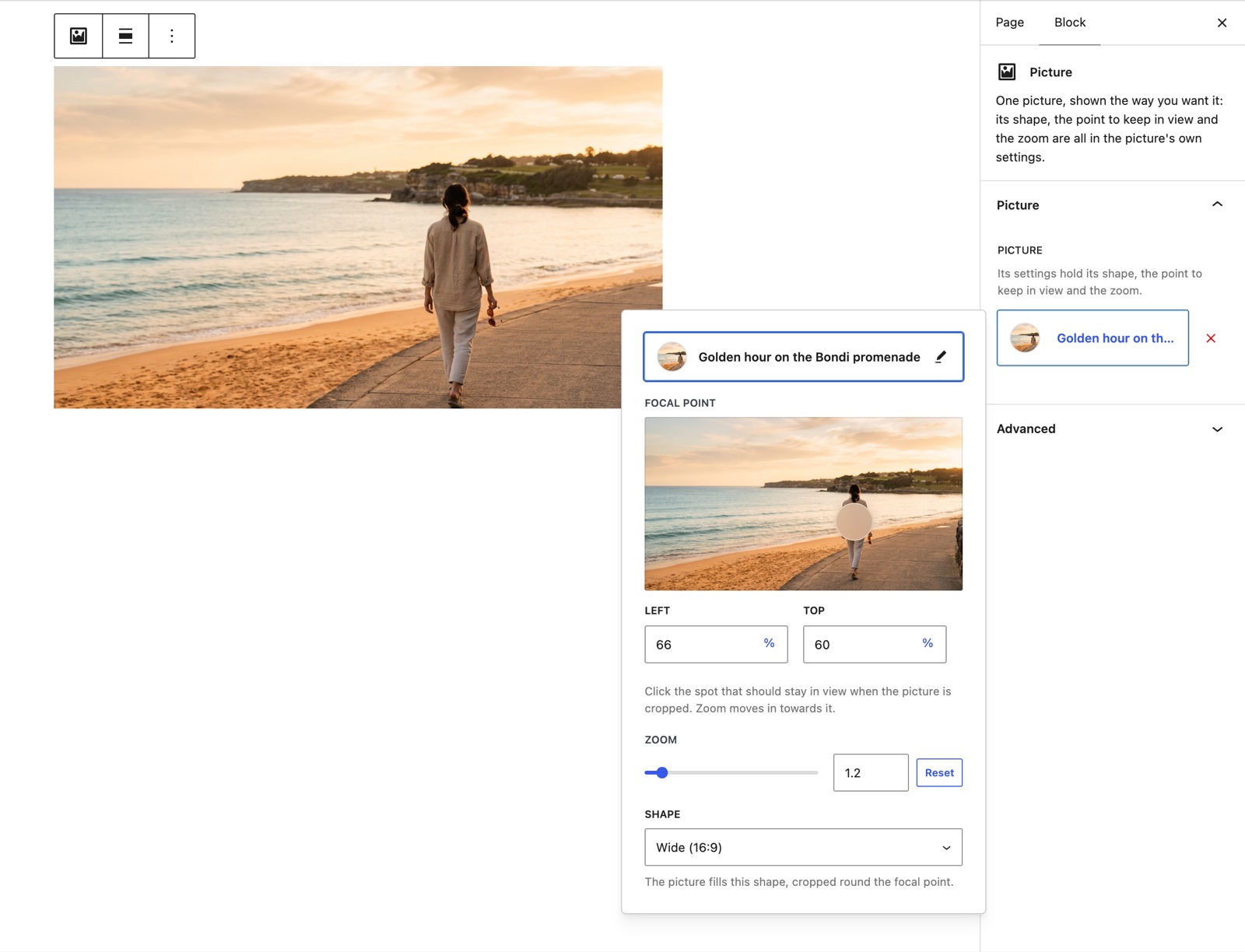
Your client picks from the Media Library and sets a focal point, shape and zoom. The focal point is on by default. Every crop keeps the subject in view, from a full-width banner to a phone.
{
  "id": "c_photo",
  "type": "image",
  "label": "Photo",
  "attributeKey": "photo",
  "enableShape": true,
  "enableTile": false,
  "enableRepeatOptions": false,
  "enableFixedBackground": false
}
Let your clients arrange the grid
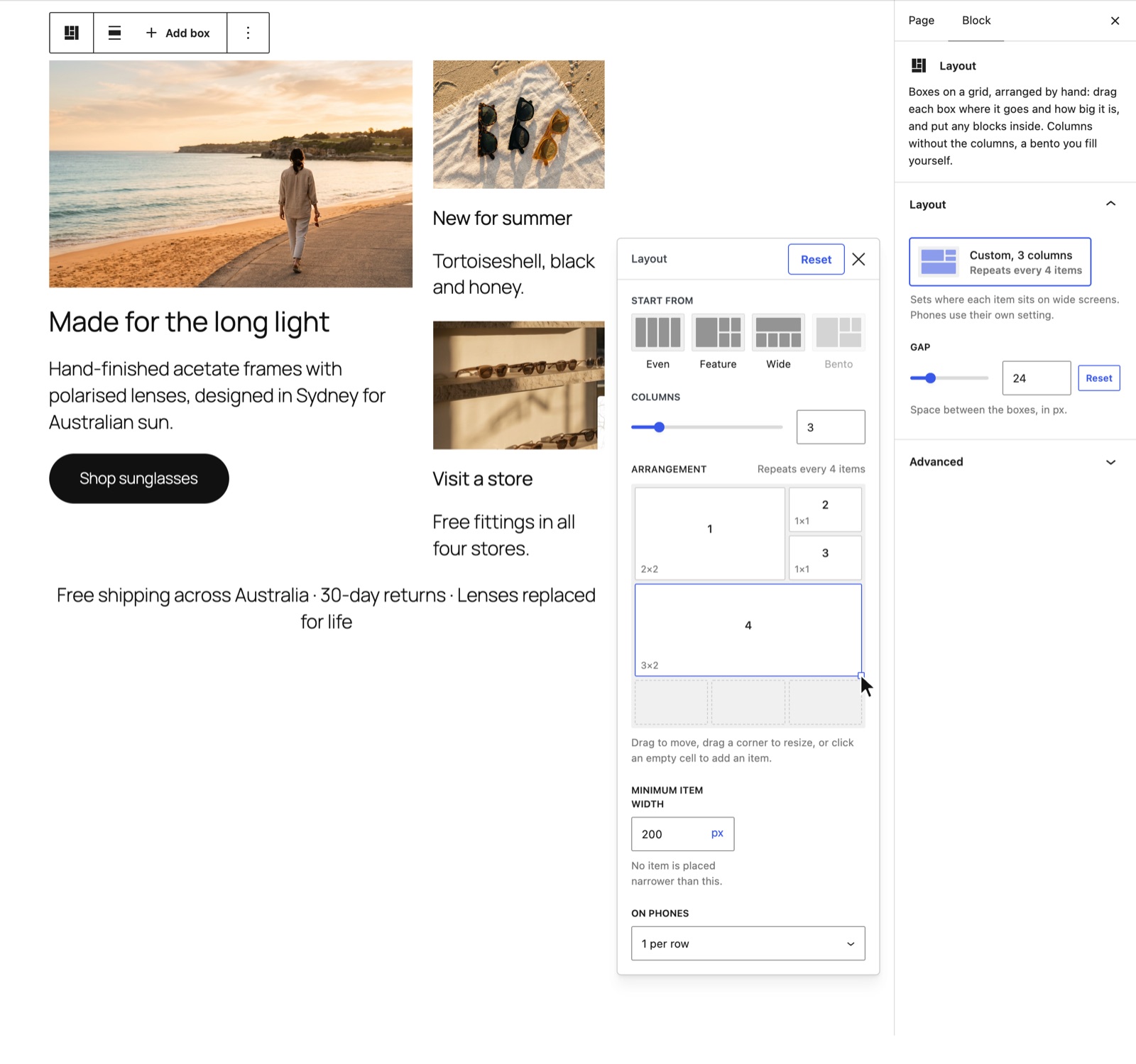
Your client drags boxes into place and resizes them from a corner, then fills each box with blocks: an image, a heading, text, a button.
{
  "id": "c_layout",
  "type": "layout",
  "label": "Layout",
  "attributeKey": "layout",
  "cols": 3,
  "minItemPx": 200
}
Draw the route, the timeline or the journey
Bend the line right in the editor and put stops along it. Each stop holds any blocks, and with the Path block the line draws itself in as visitors scroll.
{
  "id": "c_route",
  "type": "path",
  "label": "Route",
  "attributeKey": "route"
}
3D layered cards your client can edit
Stack a photo, a name and a badge as layers and give each its own depth. The Tilt block leans the card toward the pointer and the near layers slide over the far ones, with no JavaScript to write. Move your mouse over the card to try it.
{
  "id": "c_stack",
  "type": "layers",
  "label": "Layers",
  "attributeKey": "stack"
}
Live: move your pointer over the card
Keyframes, set in the editor
Hold a scene on screen while the page scrolls and set each layer's place, size and any CSS at moments along the way: a photo that grows and turns, a heading that fades in, a stage colour that changes. The Scene block eases between the keyframes. No animation code to write.
opacity: 0;
rotate: -8deg;
filter: blur(6px);3 · Your own fields
Build your own field from the same parts
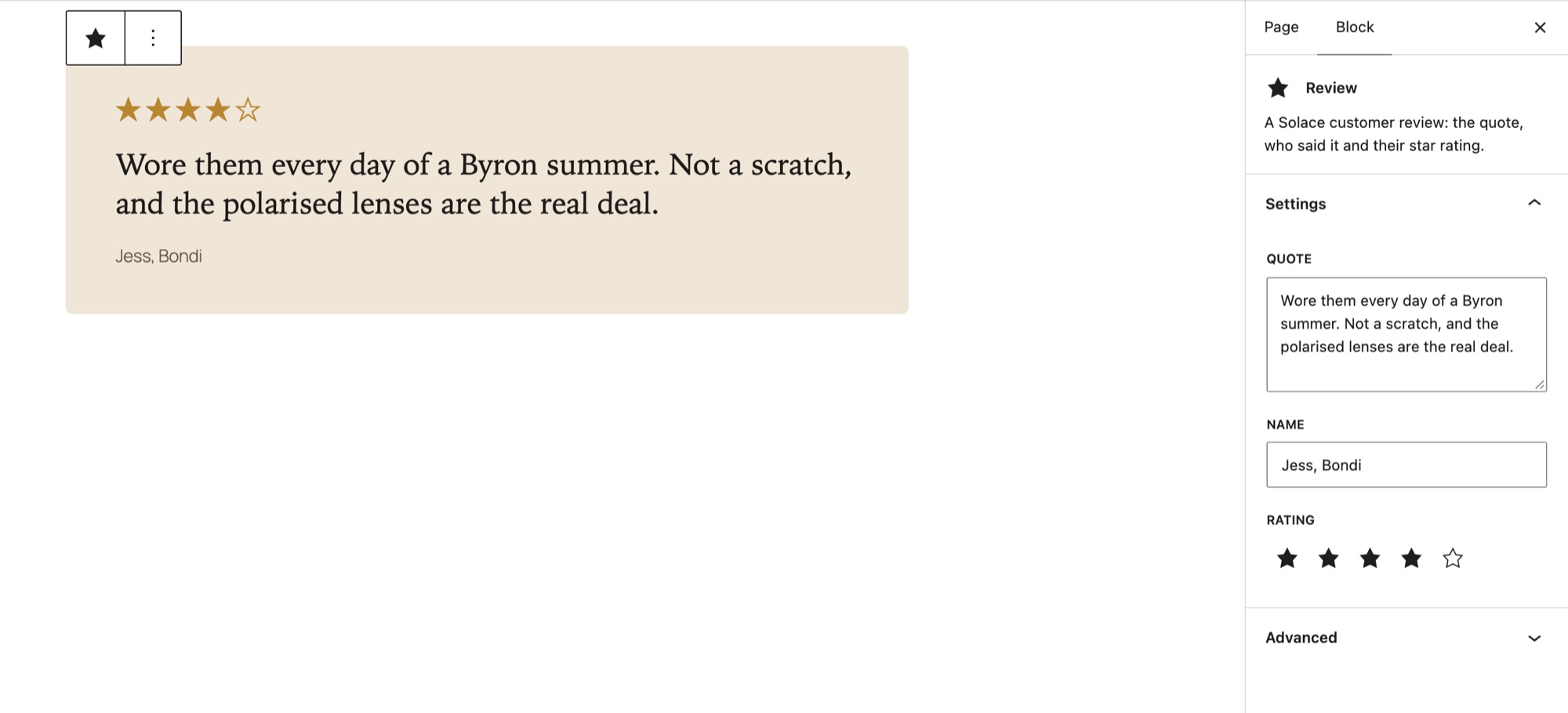
Every GCB field is made from WordPress components, and you can use the same parts. This star rating is a whole field type: declare it in PHP, draw it with WordPress's own buttons, and use "type": "rating" in any block. Write it by hand, or ask Claude Code.
Ask Claude Code“Make a GCB field type for a star rating from 1 to 5.”
add_action( 'gcblite_register_control_types', function () {
  wp_register_script( 'rating-field', content_url( 'mu-plugins/rating/rating.js' ), [ 'wp-element', 'wp-components' ] );
  gcblite_register_control_type( 'rating', [ 'shape' => 'integer', 'script' => 'rating-field' ] );
} );const { createElement: el } = wp.element;
const { BaseControl, Button } = wp.components;
window.gcbLiteControls.register( 'rating', ( { control, value, onChange } ) =>
el( BaseControl, { label: control.label },
el( 'div', null, [ 1, 2, 3, 4, 5 ].map( ( n ) =>
el( Button, { key: n, label: n + ' stars', onClick: () => onChange( n ),
icon: n <= value ? 'star-filled' : 'star-empty' } )
) )
)
);{ "id": "c_stars", "type": "rating", "label": "Rating", "attributeKey": "stars" }Build anything in the block editor
Every licence includes all features and a year of updates and support.