Your client edits the real design
Editing on the page, typed fields or real blocks, repeaters with limits, layouts that repeat, conditional fields and validation, all in the WordPress block editor.
1:1 visual editing, made easy
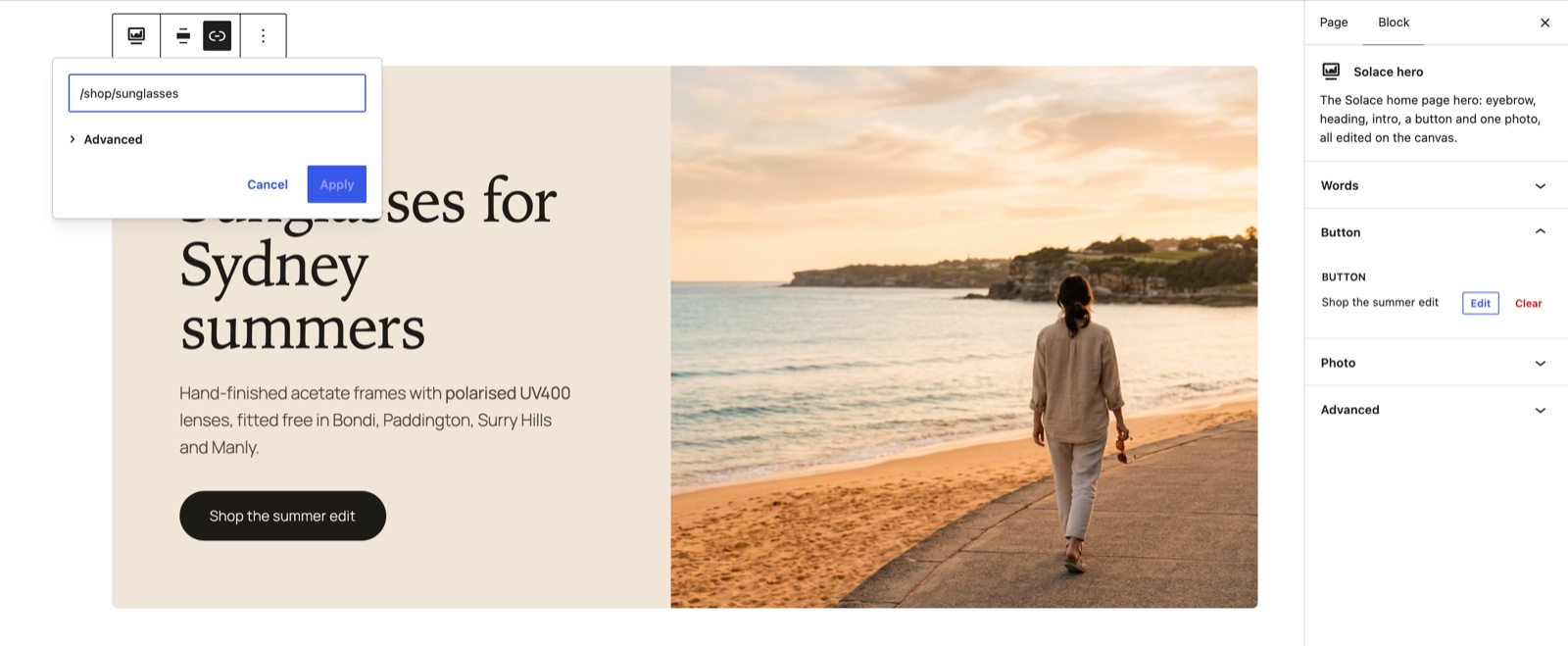
Your client edits the real design, not a form. Text, links and images change right on the page, and the sidebar fields change with them.
<h1 data-gcb-field="heading"
    data-gcb-field-type="text">
  <?= esc_html( $attributes['heading'] ) ?>
</h1>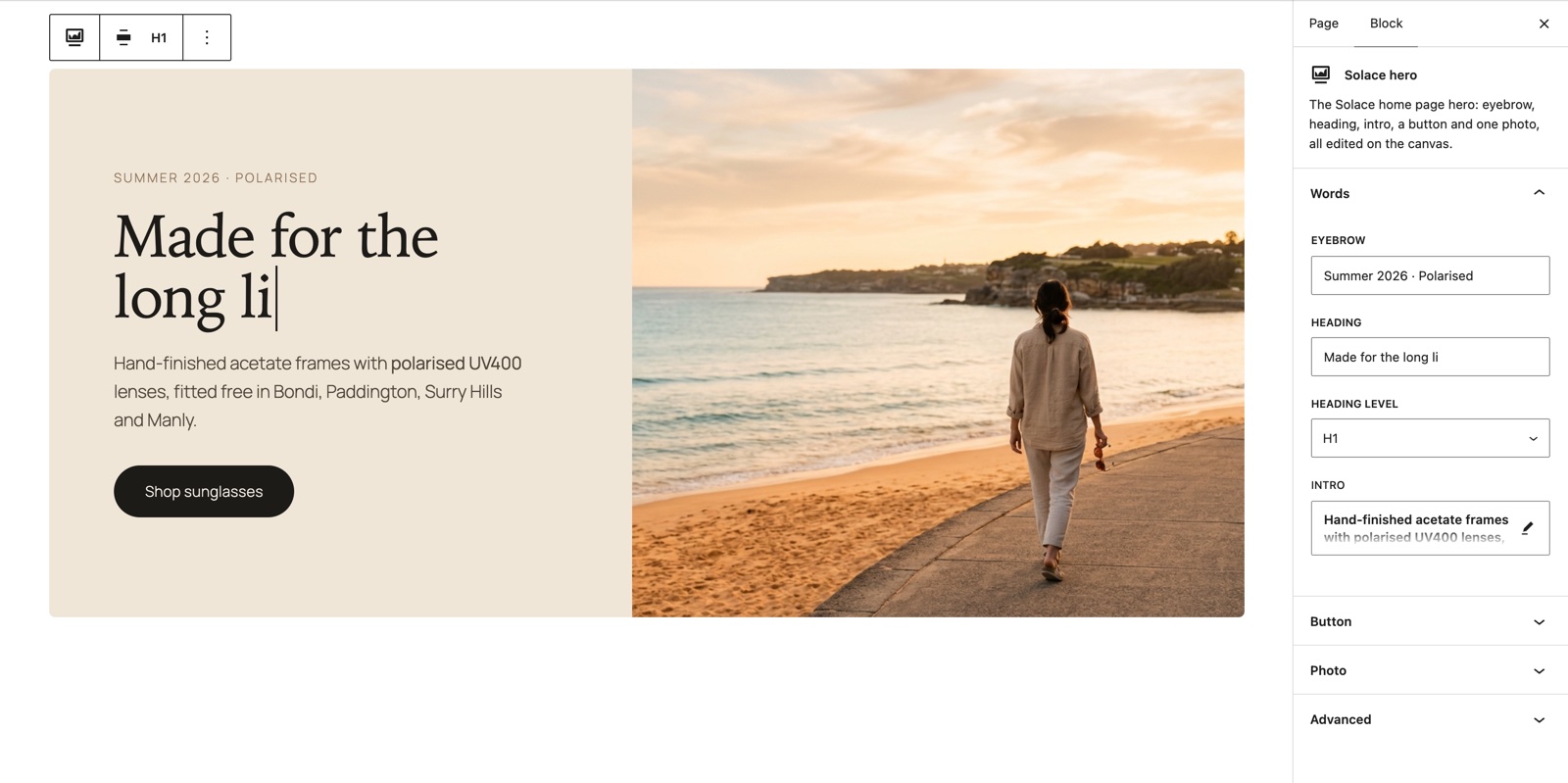
Typed fields or real blocks
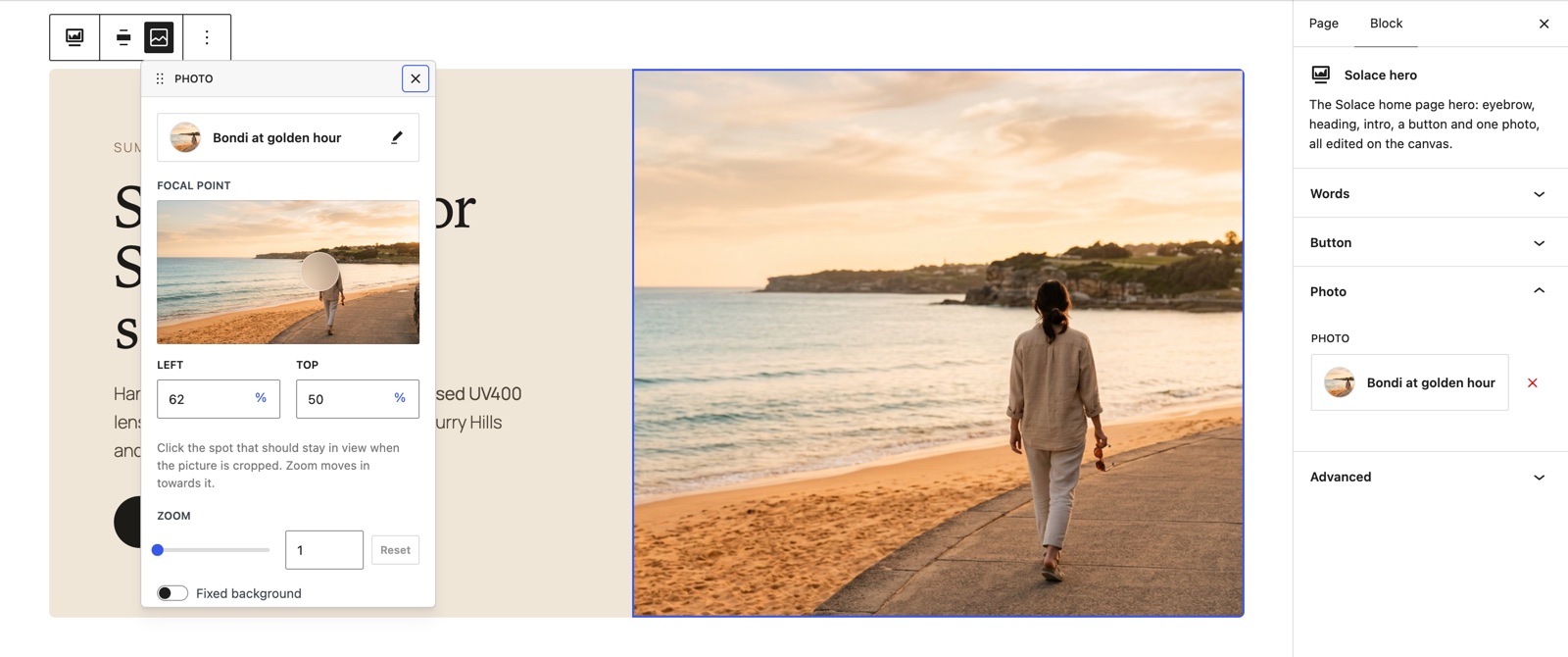
Each part of a block can be a typed field you define or an area for normal WordPress blocks from a list you choose. One block can have several InnerBlocks areas, each with its own list.
Typed fields
Exactly what you (or your agent) define
Headings, text, links and images your client edits right on the page or in the sidebar. Both stay in sync.
render.php<h1 data-gcb-field="heading" data-gcb-field-type="text"> <?= esc_html( $attributes['heading'] ) ?> </h1>Real WordPress blocks
Blocks from a list you choose
Areas where your client adds normal WordPress blocks, limited to the ones you allow. One block can have several of these areas, each with its own list, or repeaters that add the same block again and again: an introduction, a row of product cards, a row of buttons.
render.php<InnerBlocks data-gcb-slot="0" allowedBlocks='["core/heading", "core/paragraph"]' /> <InnerBlocks data-gcb-slot="1" allowedBlocks='["core/buttons"]' />
Repeat blocks on the page
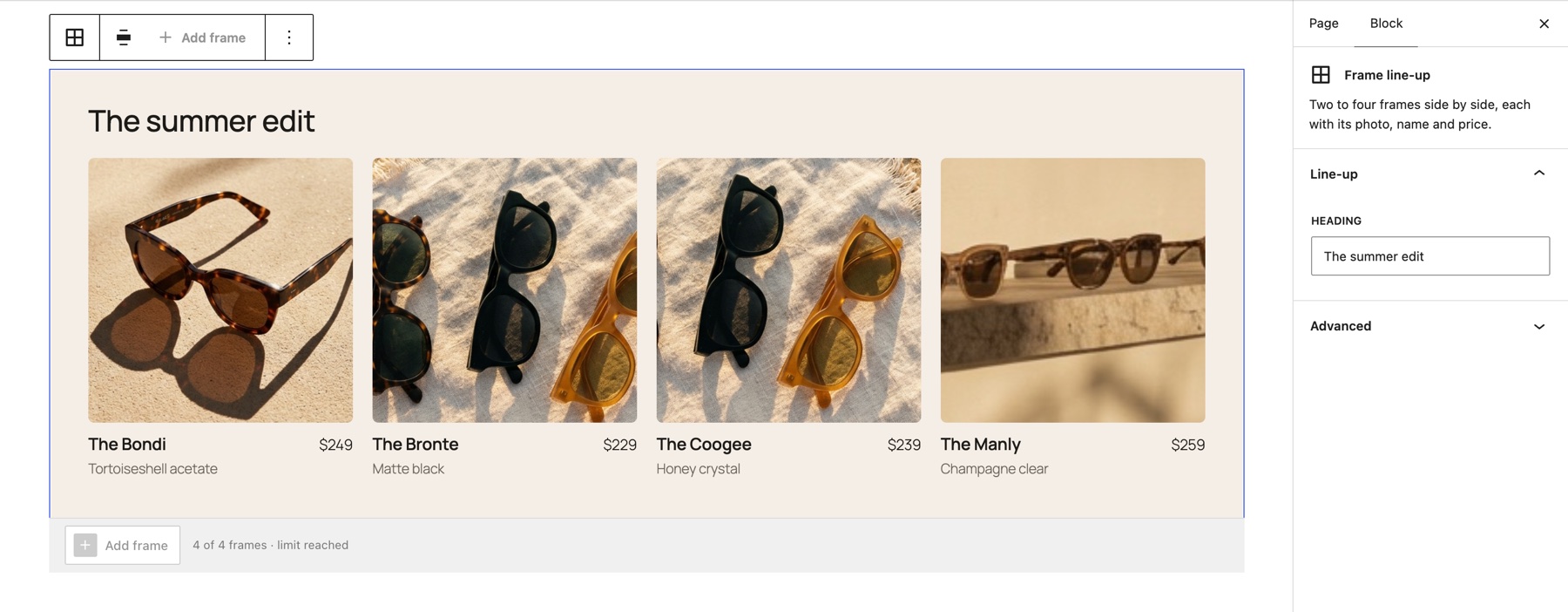
Your client adds, edits and reorders cards, slides, tabs and FAQs right on the page. Add one line to your template and choose how the items appear while editing: grid, carousel, tabs, accordion or filmstrip.
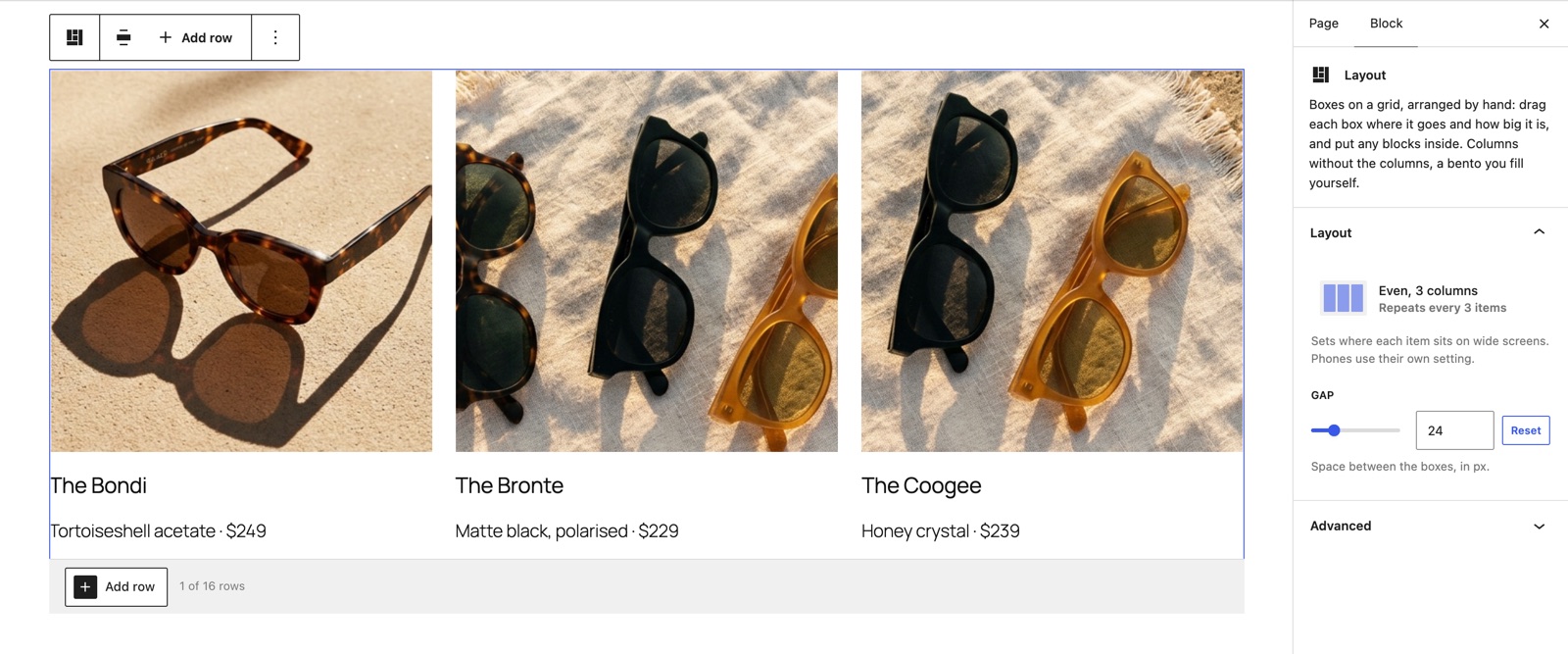
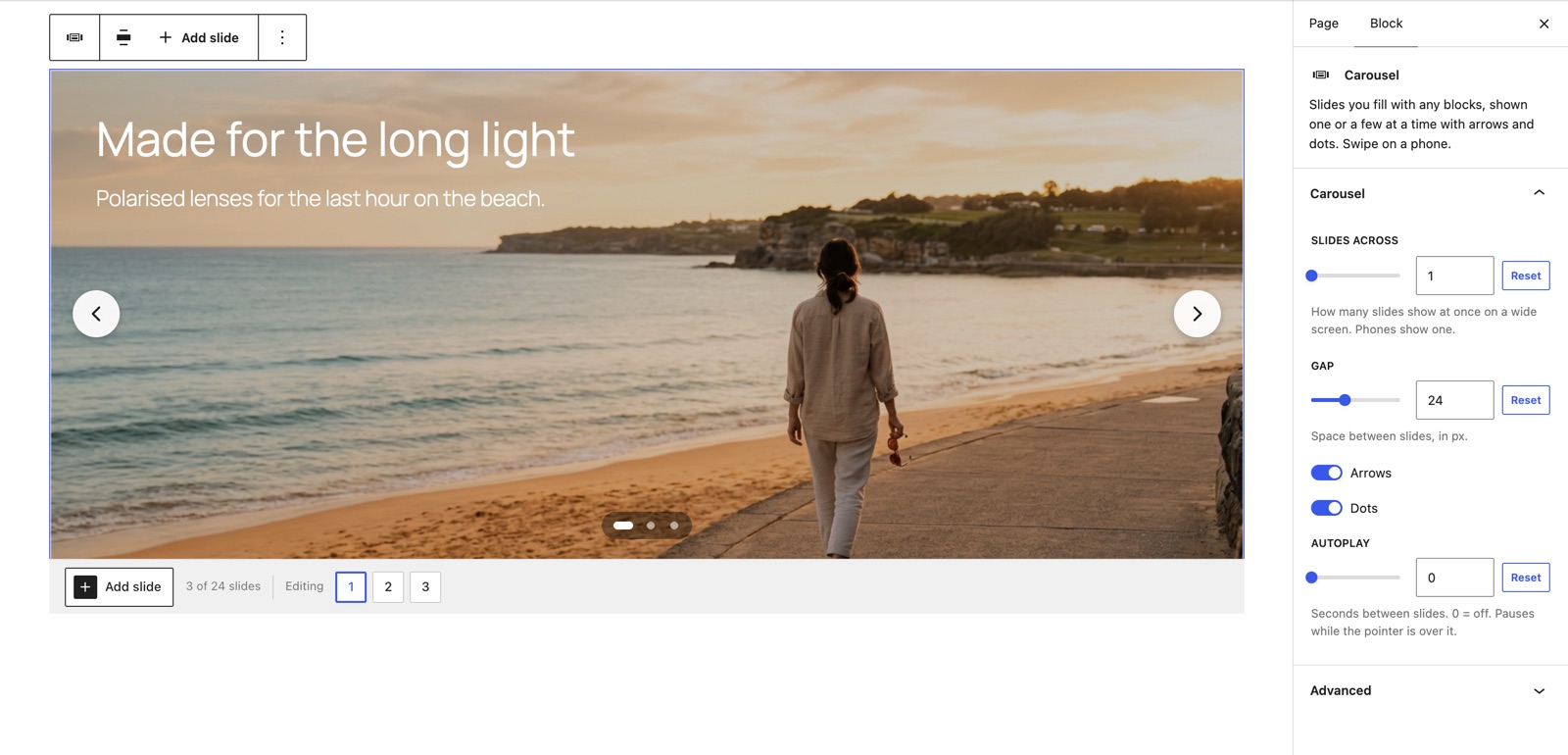
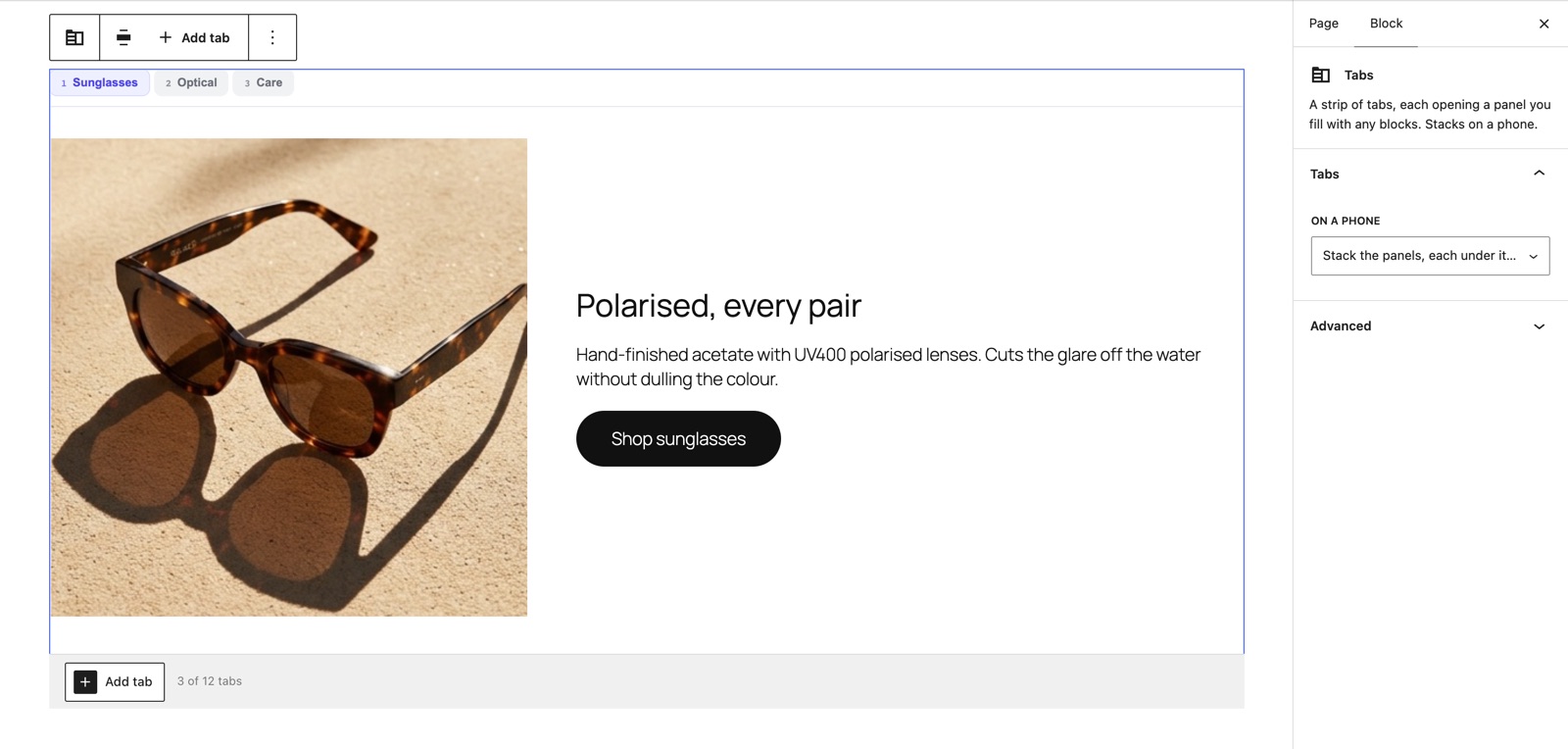
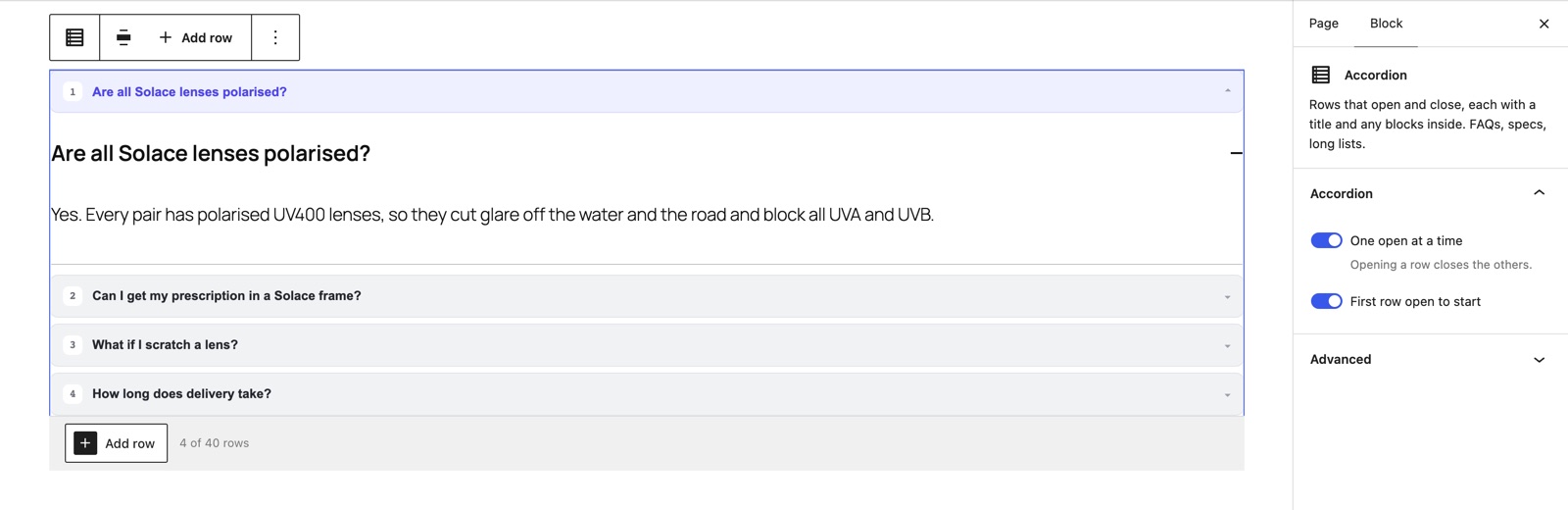
<Repeater allowedBlocks='["gcb/frame"]' addButtonLabel="Add frame" min="2" max="4" editLayout="grid" />These shots are GCB's own Layout, Carousel, Tabs and Accordion blocks, which use the same editLayout values.
Set how many blocks a list can have
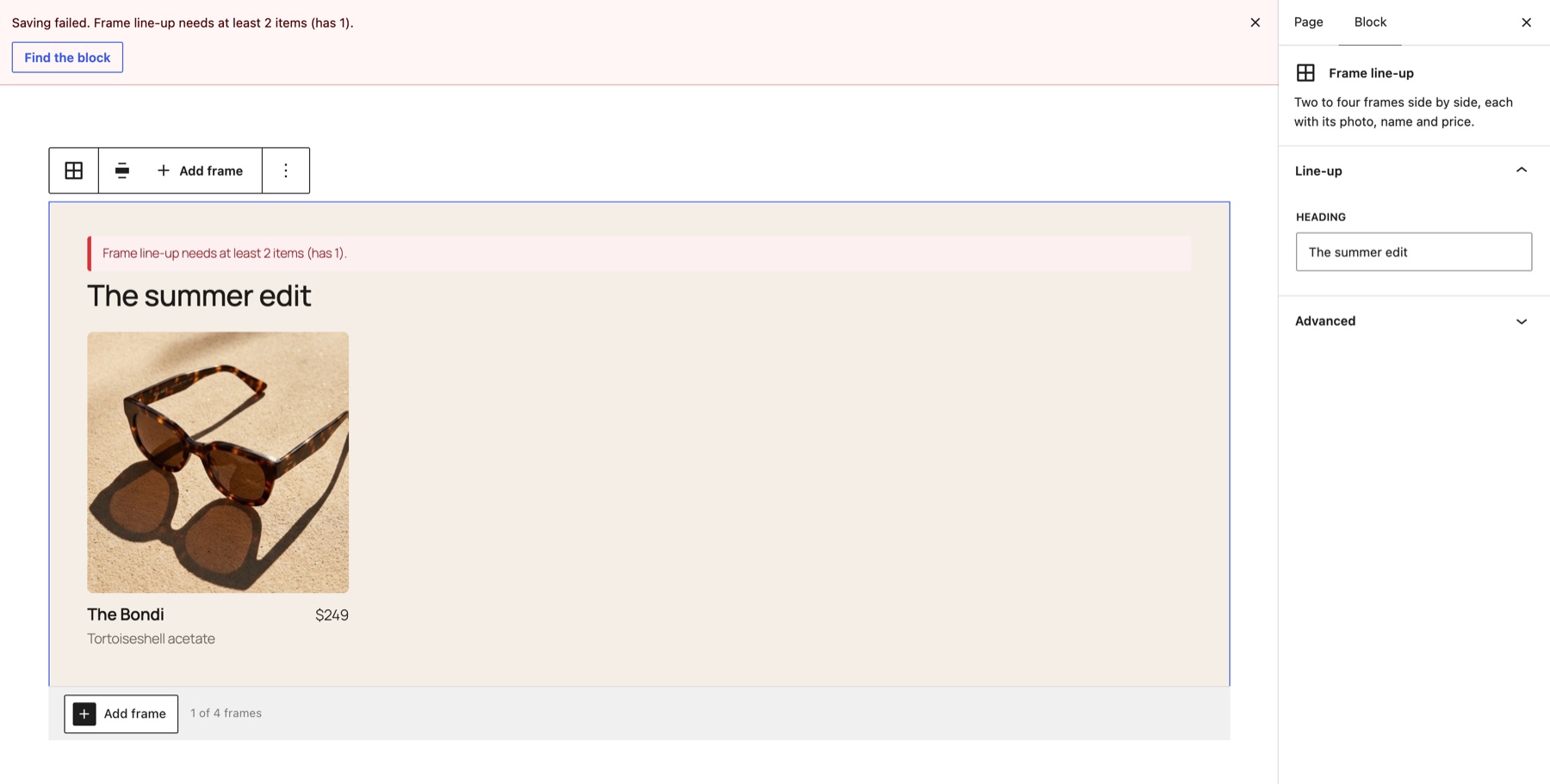
Add min and max to the Repeater. Below the minimum, WordPress won't save the page and tells your client which block needs more. At the maximum, the Add button turns off.
min="2" max="4"
Repeat blocks in your own layout
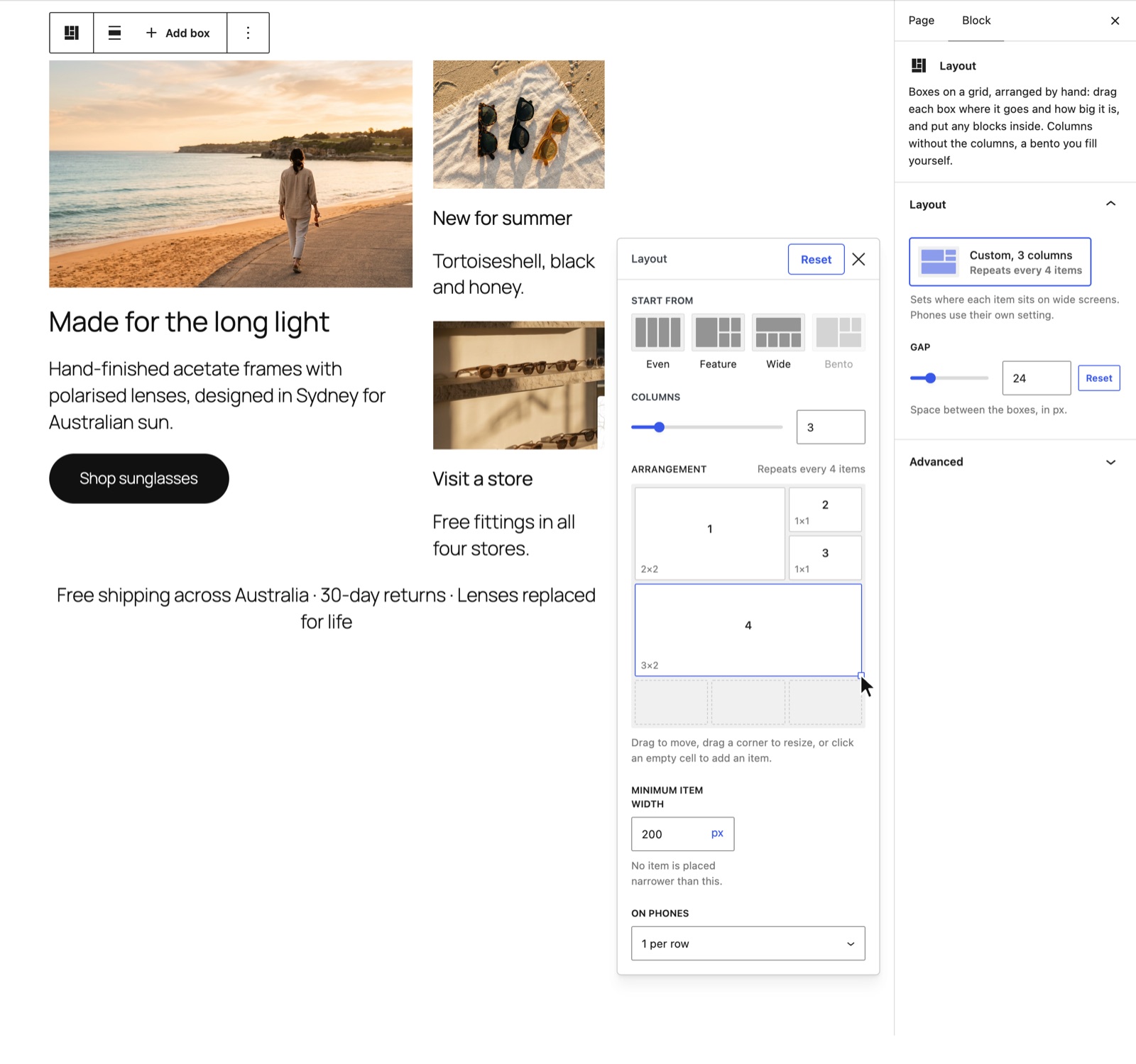
Arrange boxes with the layout field, such as one large and three small. Blocks fill the boxes in order, and when there are more blocks than boxes the pattern repeats.
Show a field only when it applies
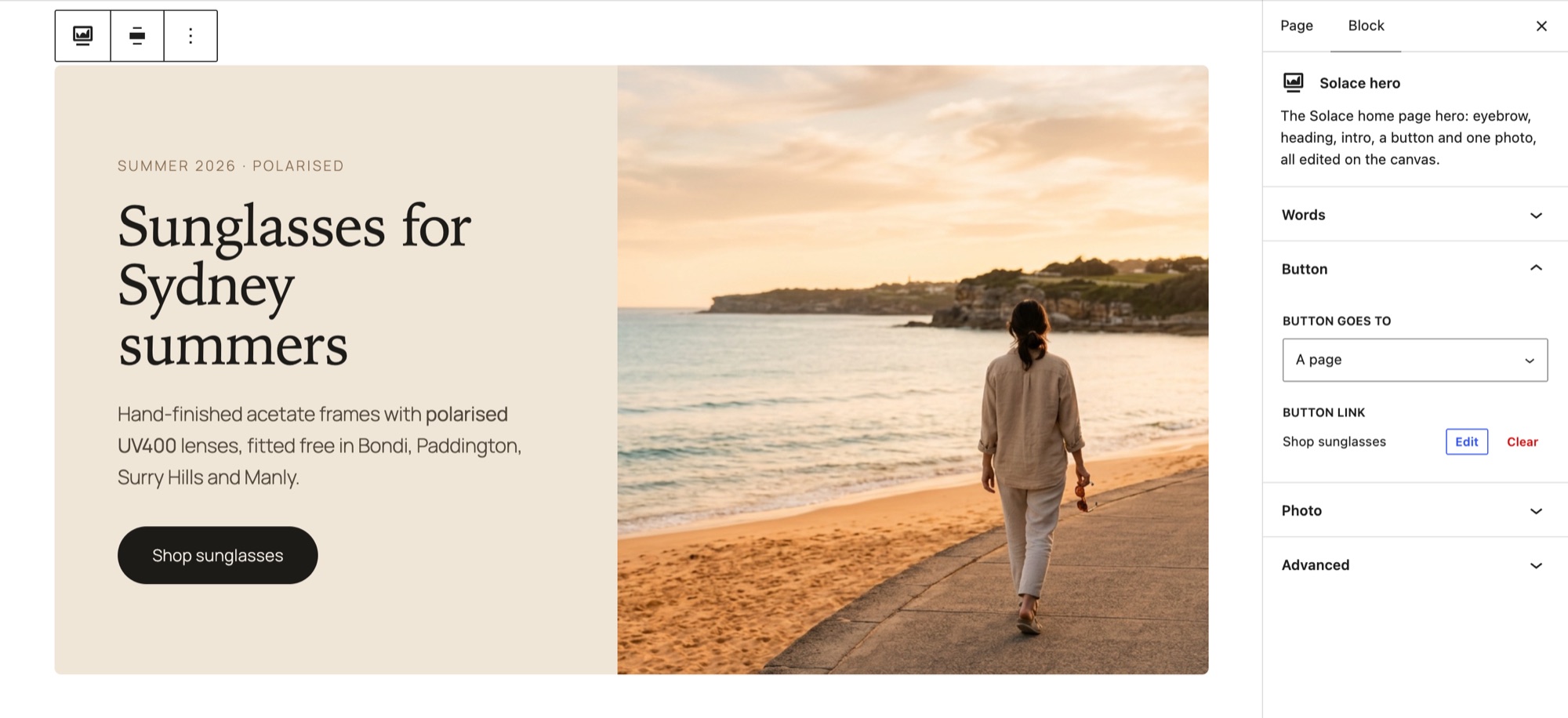
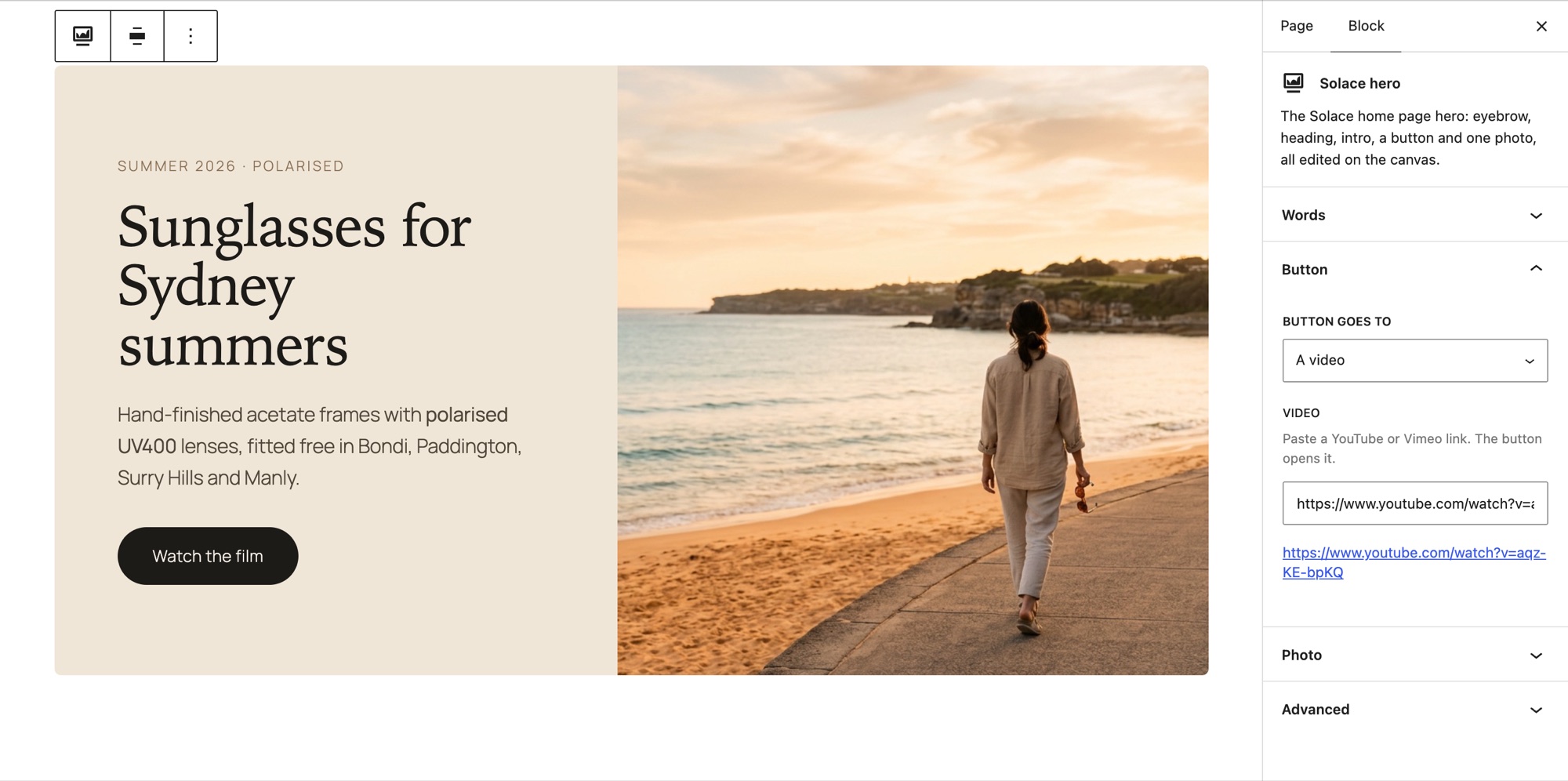
Fields can depend on each other. Choose “A page” and your client sees the link field; choose “A video” and they see the video field instead. Hidden fields stay out of the way and skip validation.
{
  "type": "oembed",
  "label": "Video",
  "attributeKey": "cta_video",
  "conditionalLogic": {
    "enabled": true,
    "rules": [ {
      "field": "cta_goes",
      "operator": "==",
      "value": "video"
    } ]
  }
}
Block and field validation for content editors
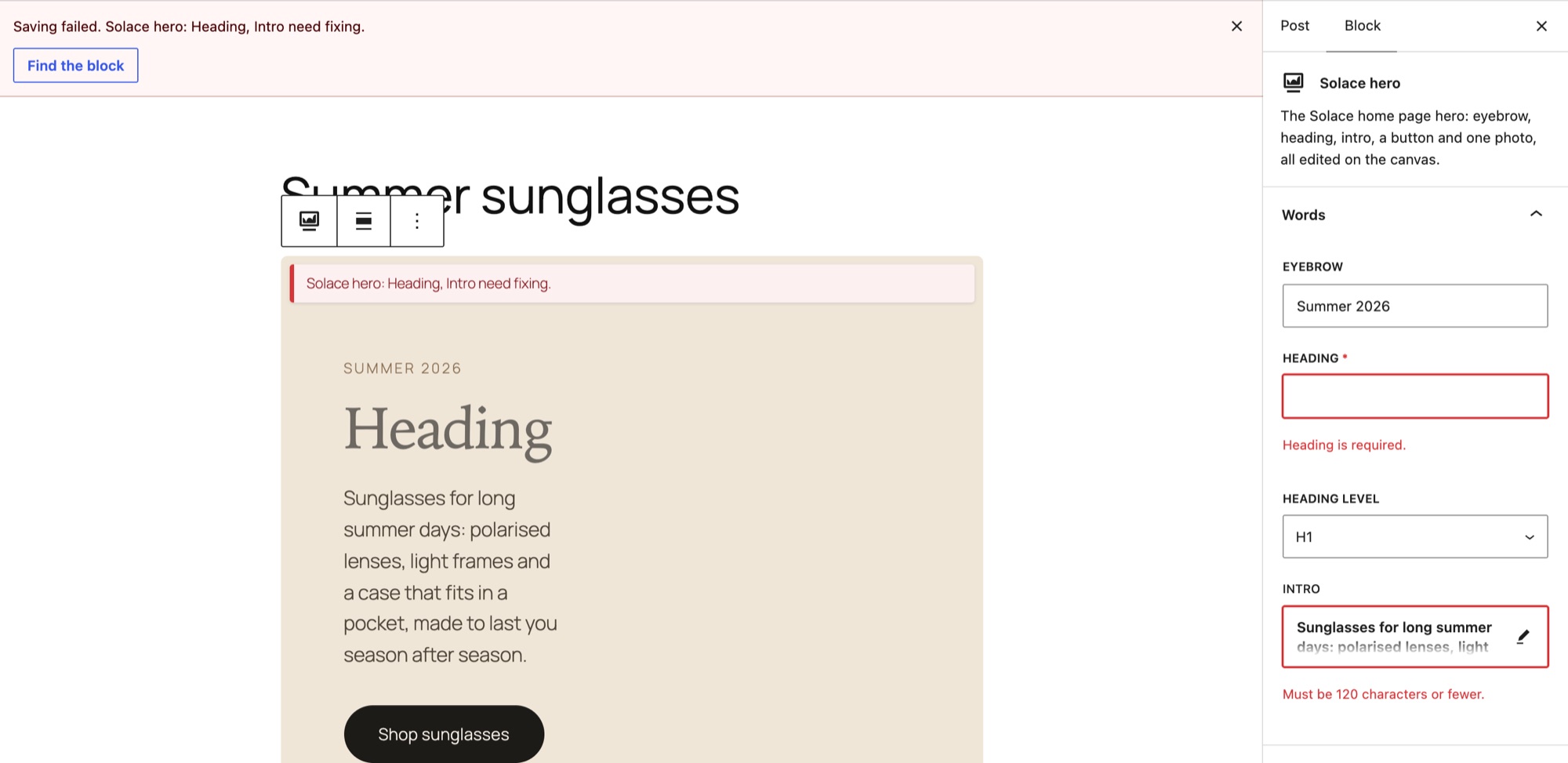
Make a field required, limit its length or match a pattern. Your client sees the problem in the sidebar as they type, and WordPress won't save the page until it's fixed. “Find the block” takes them straight to it.
{
  "id": "c_heading",
  "type": "text",
  "label": "Heading",
  "attributeKey": "heading",
  "validation": {
    "required": true,
    "maxLength": 48
  }
}
Build anything in the block editor
Every licence includes all features and a year of updates and support.